
How it works
Start from what your business already has. Get a draft in your voice, make it look right, and approve it before anything goes out.
Sign UpStep 1
Bring what you have
Upload your products as a spreadsheet, or a zip of products and photos. Add your website and we read your logo, colors and a summary of your voice from it. You can fix the colors and the summary if they are off. Connect your Facebook page and Instagram account once.
Step 2
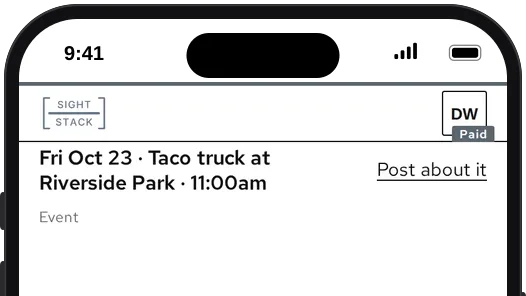
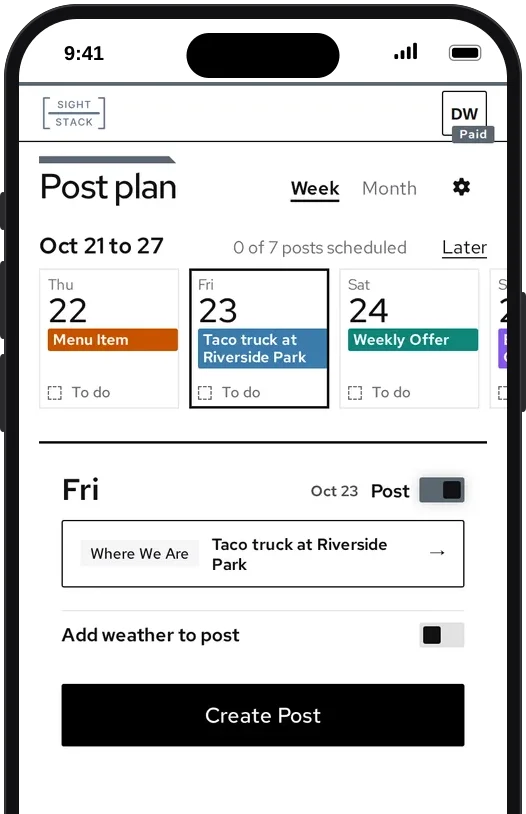
Pick a starting point
Pick a product from your catalog, a post from your blog, a friend’s blog or an industry blog, a saved post idea, or type one sentence. You get a draft post: its words, written in your voice, for you to read.
Step 3
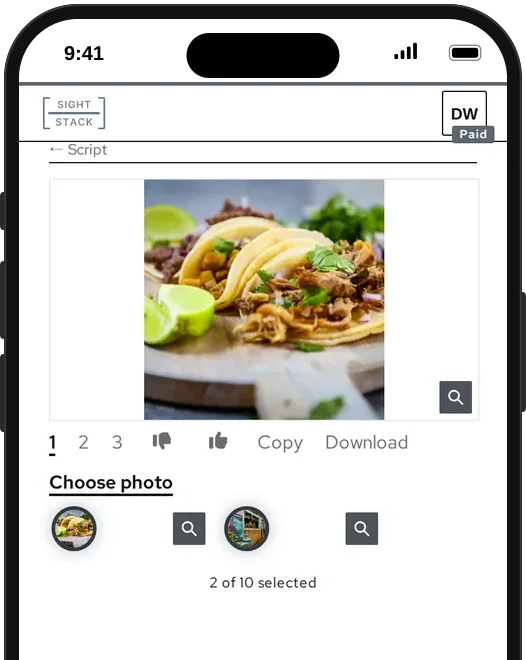
Add an image, then a video
Turn the draft into an image, sized for Instagram, or use your own photo instead. Then turn that image into a short video. The image is its first frame, so the two always match.
Step 4
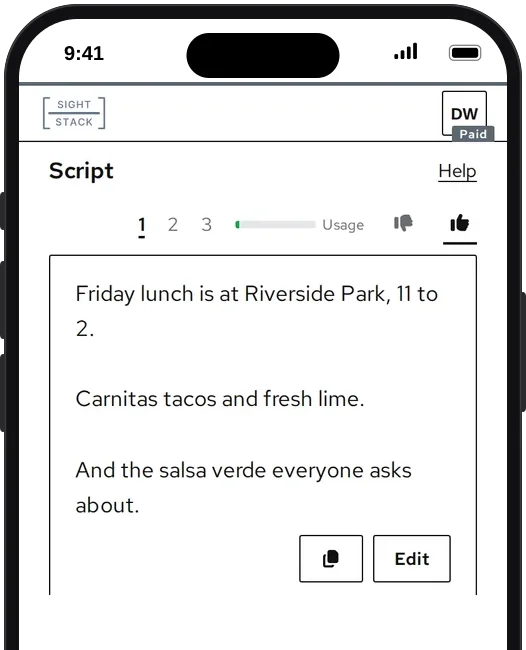
Approve it
Give each draft a thumbs up or down, with a reason if you like. Nothing goes out until you publish it, and your thumbs shape the styles you get next. Every thumbs up, thumbs down and edit teaches it your voice. The Voice page shows how it has shifted.
Step 5
Post now or schedule it
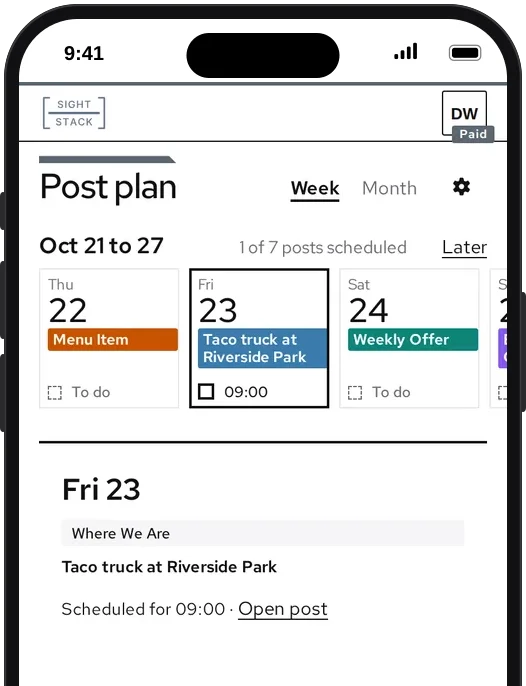
Choose which of your accounts each post goes to, and post now or pick a time. Your calendar shows what is planned and what has gone out, and your post history shows its status on each account.
Sign Up
Nothing posts until you approve it. We will email you a link to set your password.